
Before opening a CFD account, weigh how much of your balance a single move can take.
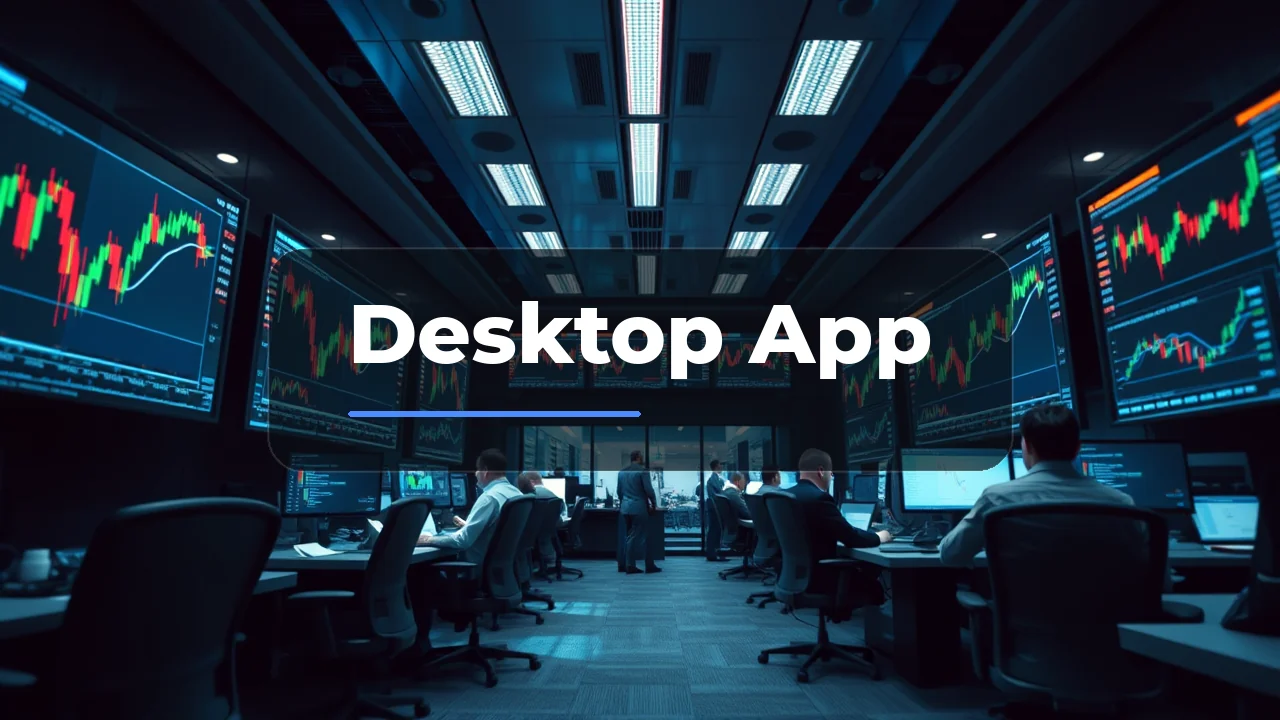
Trading from a laptop rather than a phone changes how you review the market. The EightCap desktop experience gives you the full MT4/MT5 toolkit, which matters when you are tracking multiple charts during the London-New York overlap (roughly 15:00-19:00 EAT). The PC version delivers the full charting toolkit, with a few limits to verify before you deposit.
Desktop Platforms
EightCap gives you the standard choice between MetaTrader 4 and MetaTrader 5. Both run natively on Windows, and MT4/MT5 also install on Mac via the official desktop apps. The platforms are the same terminals used across most of the offshore broker market, so the learning curve carries over if you compare brokers.
| Platform | Best for | Key difference |
|---|---|---|
| MT4 | Forex and simple charting | Faster for manual trading |
| MT5 | Multi-asset and depth | More timeframes and tools |
| WebTrader | Quick access | No install needed, works in browser |
| TradeLocker | Modern UI | Cloud-based, lighter than MT |
MT4 and MT5 install in a few minutes, and your login details work across the desktop app and the phone app. If you start a trade on PC, you can check it on the EightCap mobile app later.
Account Conditions and Costs
EightCap runs two account tiers. The difference is in how you pay for the trade, not in the platform itself.
| Account | Spread | Commission | Min Deposit |
|---|---|---|---|
| Standard | From 1.0 pip | None | USD 100 |
| Raw | From 0.0 pips | USD 3.50 per lot per side | USD 100 |
For a trader in Uganda using a USD-denominated account, the Raw account can be cheaper on high-volume days if you trade more than a few lots. The Standard account is simpler for smaller sizes. The USD 100 minimum is worth comparing against brokers who require less, but it is a reasonable entry point for a funded account.
On instruments, EightCap lists 800+ CFDs: about 56 forex pairs, indices, metals, energies, roughly 580 share/ETF CFDs, and over 100 crypto CFDs. That breadth gives you enough to trade the London session, the New York session, or a mix without hunting for a specific ticker.

What the PC App Excels At
The desktop version is stronger than the mobile app in one specific area: screen real estate. On a laptop you can run multiple charts side by side, which is a genuine edge during the London-New York overlap (15:00-19:00 EAT) when volatility peaks.
- Multi-monitor setup supports a trade terminal on one screen and news on another.
- One-click trading from the chart is available, which speeds up entry.
- Custom indicators and Expert Advisors run fully on MT4/MT5 on PC.
- Order tickets are faster to fill on a desktop than on a phone.
Where to Be Cautious
The desktop experience is solid, but three points need attention before you commit funds.
First, regulation. EightCap is an established broker founded in 2009 with HQ in Melbourne, Australia. However, for traders in Uganda there is no local license. The Capital Markets Authority Uganda (CMA) has a licensing framework under the CMA (Amendment) Act 2016, but as of the review, the CMA's Licensed Firms list contains no licensed online/non-dealing forex brokers. This means Ugandan residents trade via offshore entities regulated elsewhere (CySEC, FSCA, FCA). Check which legal entity your account is opened under. An FCA or CySEC license on your entity gives you a stronger dispute resolution path.
- Suits
- Standard and Raw
- Swap-free account option
- Not stated
- Does not suit
- Eightcap is not a single fully top-tier protected entity
- Currency note
- Not stated
Second, funding. Ugandan traders typically use MTN Mobile Money or Airtel Money. EightCap supports mobile money deposit methods through its payment providers. Accounts are usually USD-denominated, so you will pay a UGX-USD conversion cost. Mobile money deposits are usually credited in minutes, while bank wire and card transfers take 1-5 business days. Verify the current deposit methods for your region directly with EightCap support, as payment channels change.
Third, your tax obligation. Uganda Revenue Authority (URA) treats regular forex/CFD trading profit as business income. Uganda taxes residents on worldwide income, so profits from an offshore broker are reportable. Rates for the FY Jul 2025-Jun 2026 are 0% up to UGX 2,820,000; 10% on UGX 2,820,001-4,020,000; 20% on UGX 4,020,001-4,920,000; 30% on UGX 4,920,001-120,000,000; plus a 40% surcharge above UGX 120,000,000. Obtain a TIN via URA eTax and keep a record of your trades.
Our Call
EightCap is a strong candidate for a trader in Uganda who wants the full MT4/MT5 desktop experience, a wide instrument range, and transparent spreads.
Right pick for:
The trader who trades a few times a week from a laptop, values the 800+ instrument range, and wants the Raw account's tight spreads. The absence of a deposit bonus (no verified promotions for Uganda) means you are paying for execution, not marketing, which suits traders who cost out every trade.
Wrong pick for:
The trader who needs local regulation with a direct CMA-compliant dispute channel, or who prefers a broker with a longstanding Islamic/swap-free account. Eightcap's swap-free offering is not consistently verified, so if riba-free trading is essential, this may be a sticking point. If you are comparing brokers purely on minimum deposit size, other offshore brokers serve Uganda with smaller minimums and mobile-money caps around USD 1,050 per transaction.
| + | Forex / CFDs | available |
| + | Local stocks | available |
| – | US stocks | not available |
| + | Crypto | available |
| + | Commodities | available |


Questions
Can I use the same account on PC and mobile?
Yes. Your login details work across MT4/MT5 on desktop and the EightCap mobile app. Trades and open positions sync automatically.
How long do withdrawals take on the desktop platform?
Withdrawal requests are initiated from the desktop app and processed by the broker. Mobile money withdrawals are usually credited in minutes, while bank and card withdrawals take 1-5 business days. Confirm current processing times with EightCap support before you fund.
Does the EightCap desktop app work on Mac?
Yes. MT4 and MT5 run on Mac through the standard desktop applications. You also have WebTrader as a browser fallback if you prefer not to install anything.